
Managed networking, Wi-Fi, cabling and cameras
UniFi networks, Wi-Fi, structured cabling, point-to-point links and security cameras for Western NC businesses, designed, installed and managed by our local team.
When your network just works, your team can too. We design, install and manage business networks across Western North Carolina, from the cable in the wall to the Wi-Fi your guests use, and we keep watching it after the install.
Our standard build is Ubiquiti UniFi: gateway, switches, access points and cameras, all monitored and managed remotely from our dashboard. That means one system we know well, firmware we keep up to date, and problems we often see before you do.
Networking and Wi-Fi
- Design that fits the building. Site survey, coverage planning and placement for offices, clinics, storefronts, warehouses and event spaces.
- Secure setup. Firewall, separate networks (VLANs) for staff, guests, phones and cameras, and guest Wi-Fi kept away from your business systems.
- Monitoring and updates. We watch device health and keep firmware patched, so a failing switch or access point gets noticed early.
- Multiple sites. Locations connected with site-to-site VPN and managed from one place.
- Internet backup. A second internet line or cellular failover so the important things stay online when the main line drops.
Cabling and low-voltage work
Good Wi-Fi starts with good cable. Our low-voltage team handles:
- Structured cabling. New network drops, rewiring and cleanup of mystery cabling, with every run labeled.
- Point-to-point wireless links. Connect a second building, a shop or a far corner of a property without trenching, including multi-building and multi-acre sites.
- Outdoor Wi-Fi. Coverage for yards, patios, lots and event spaces.
- Security cameras. UniFi Protect cameras and recorders, with no per-camera monthly fees, viewable from your phone.
- Ready for access control. We run the cabling and network so a door or gate access vendor can plug in.
Before and after
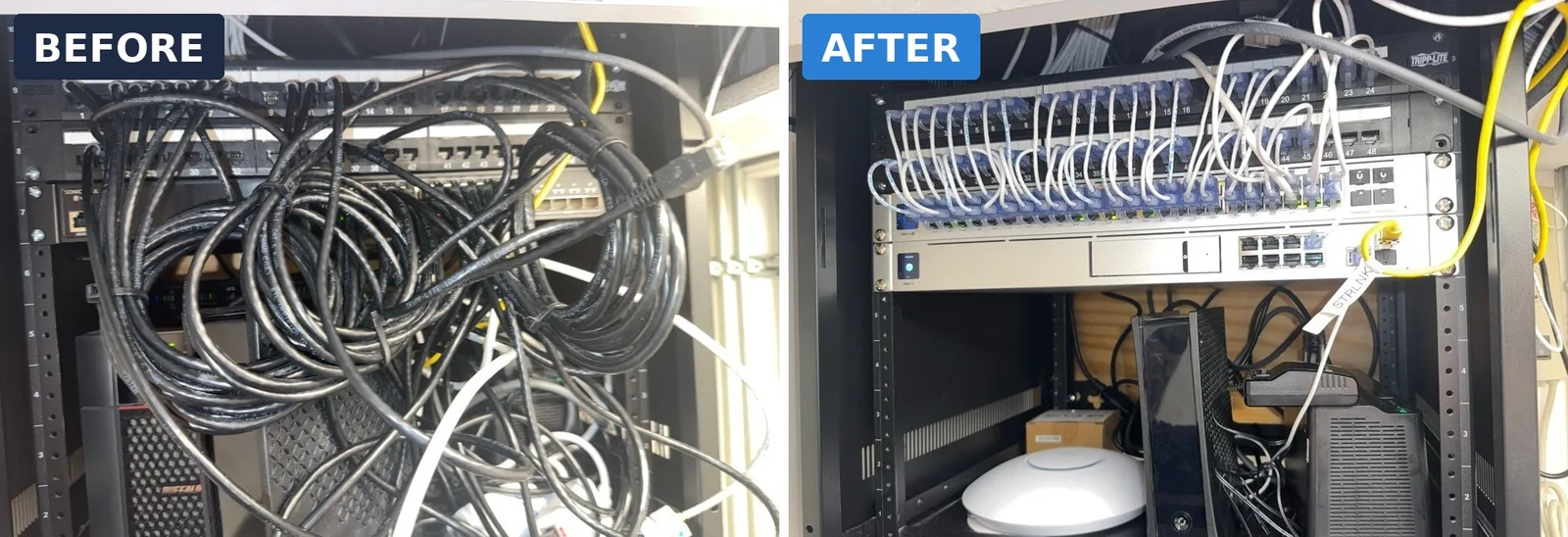
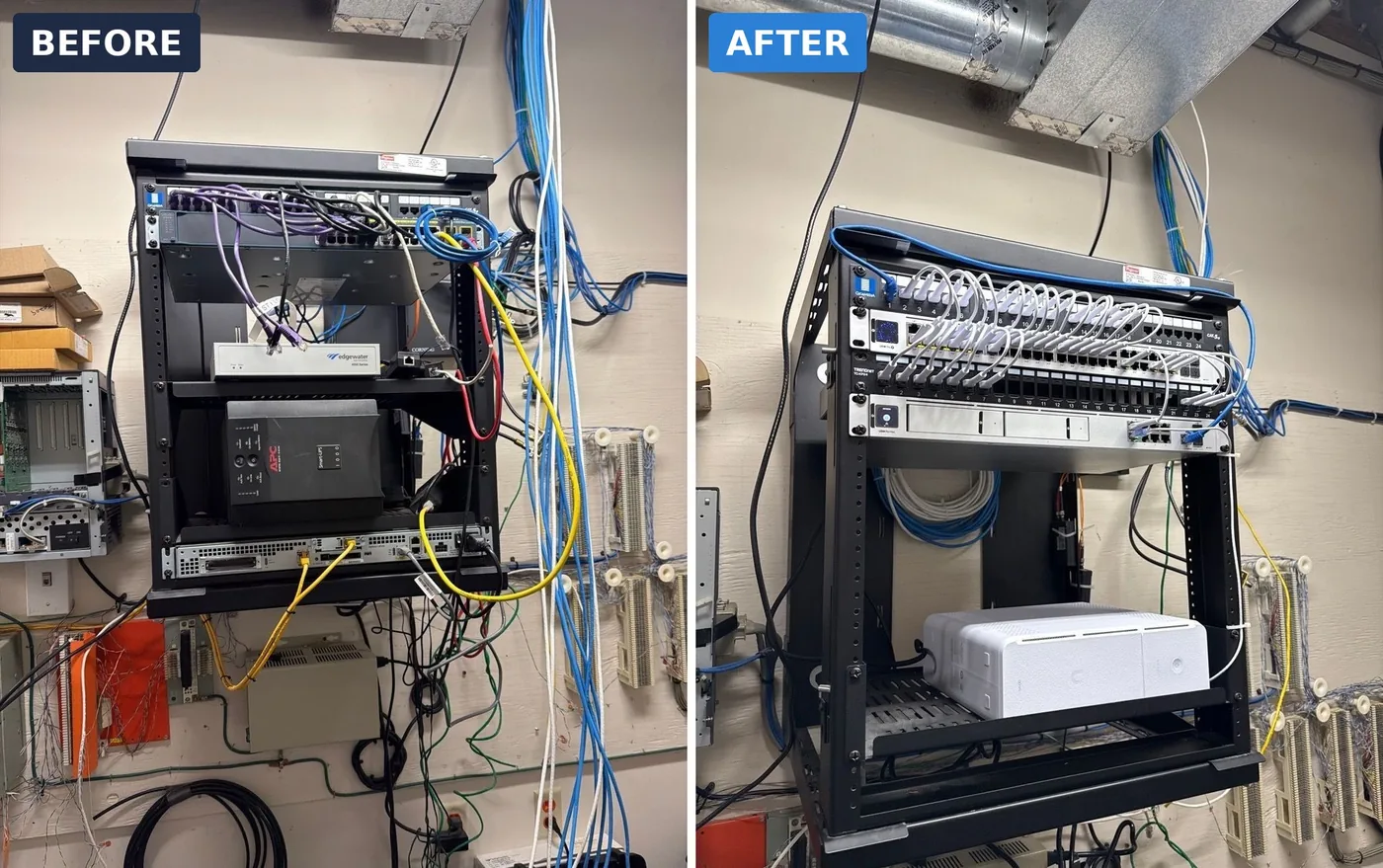
A lot of the networks we take over look like the left side of these photos. Cleaning up the rack is part of every onboarding: shorter cables, labeled runs and equipment we can monitor.
Recent work
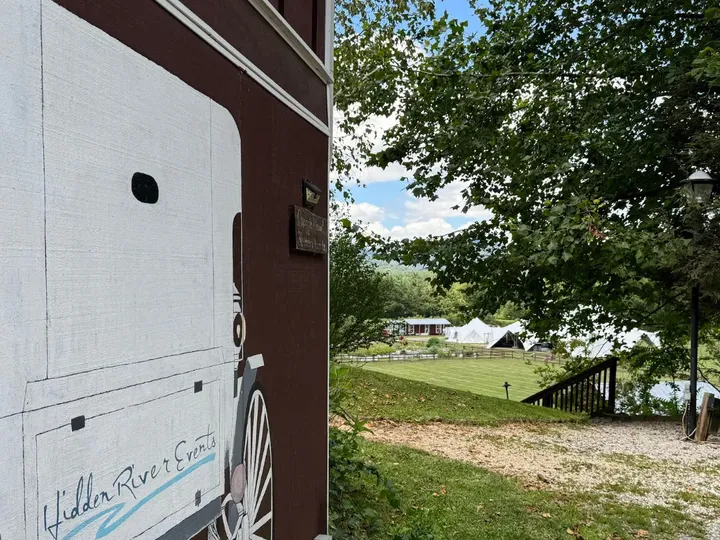 Hidden River Events, SwannanoaEvent-venue Wi-Fi that holds up when guests, vendors and staff are all online
 The Lodge at Flat RockUniFi access points across the whole property, managed remotely
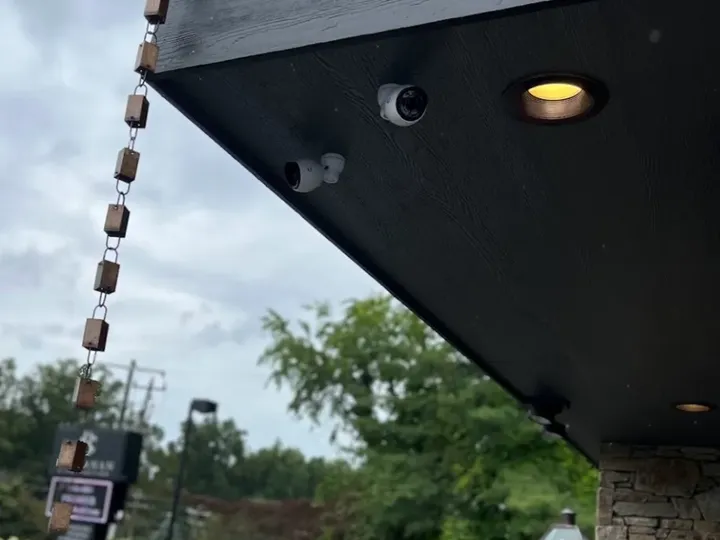 Buchanan Construction, AshevilleUniFi Protect cameras added to the network we already managed
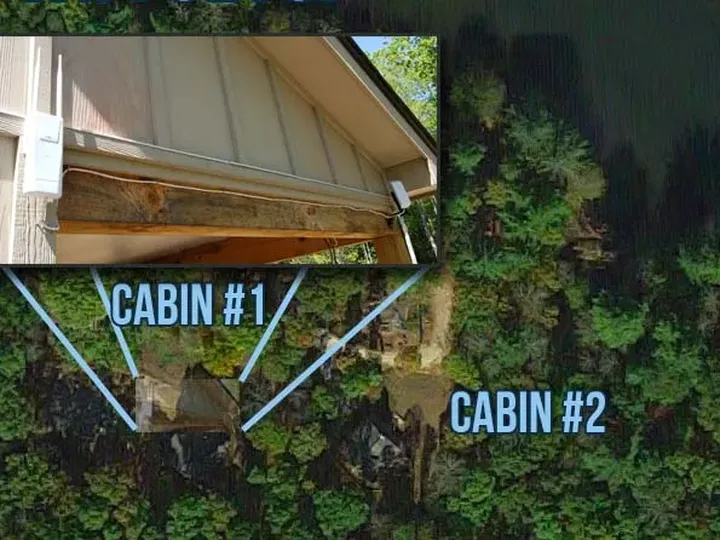 Rental cabins across a lakePoint-to-point wireless link from the main house to two cabins
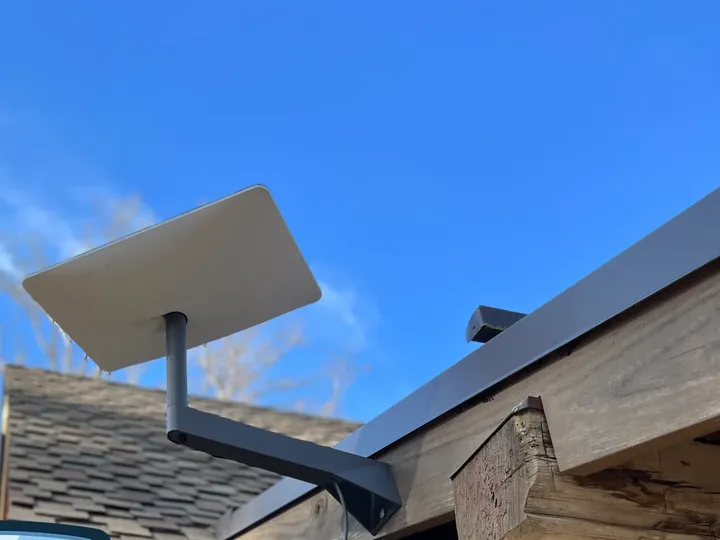 Starlink for rural sitesSatellite internet installed and tied into the business network
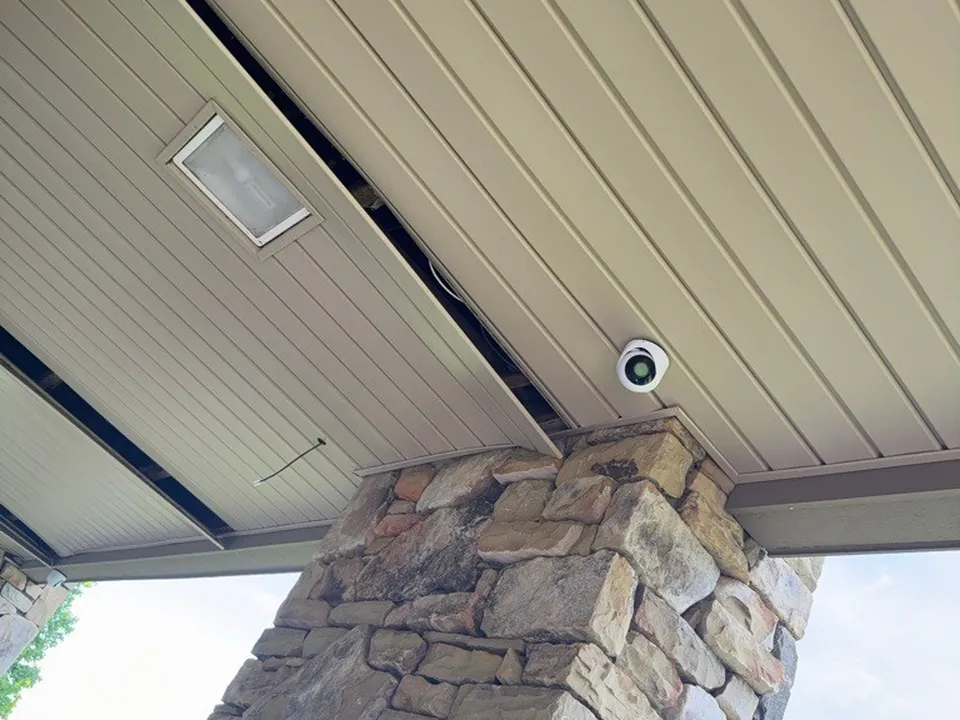 Covered porch cameraDome camera tucked under the porch ceiling
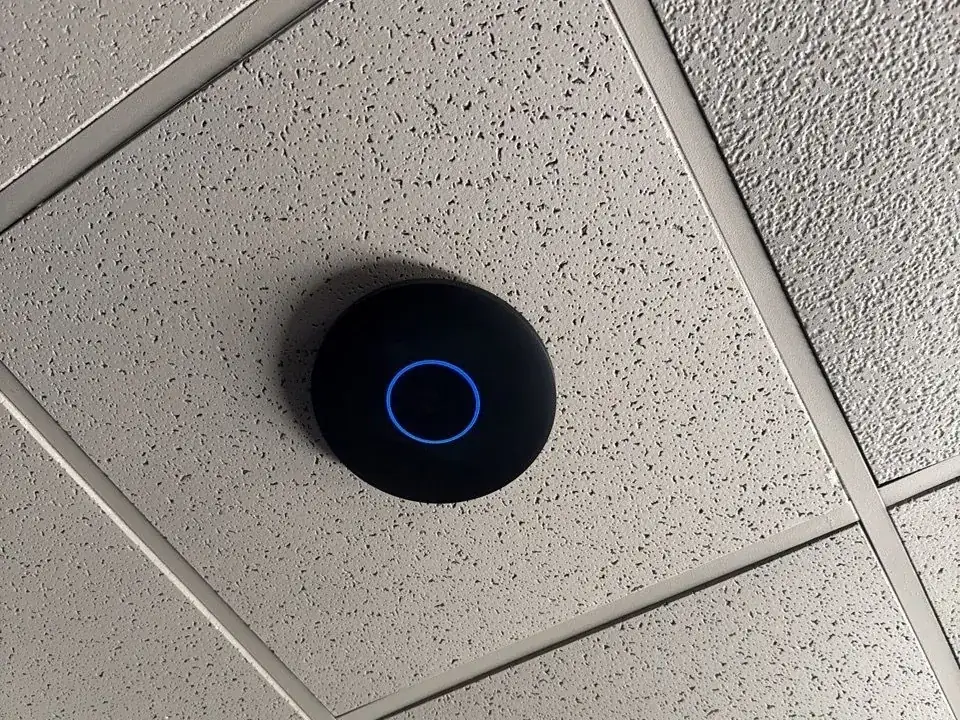 Ceiling access pointBlack UniFi access point in a drop ceiling
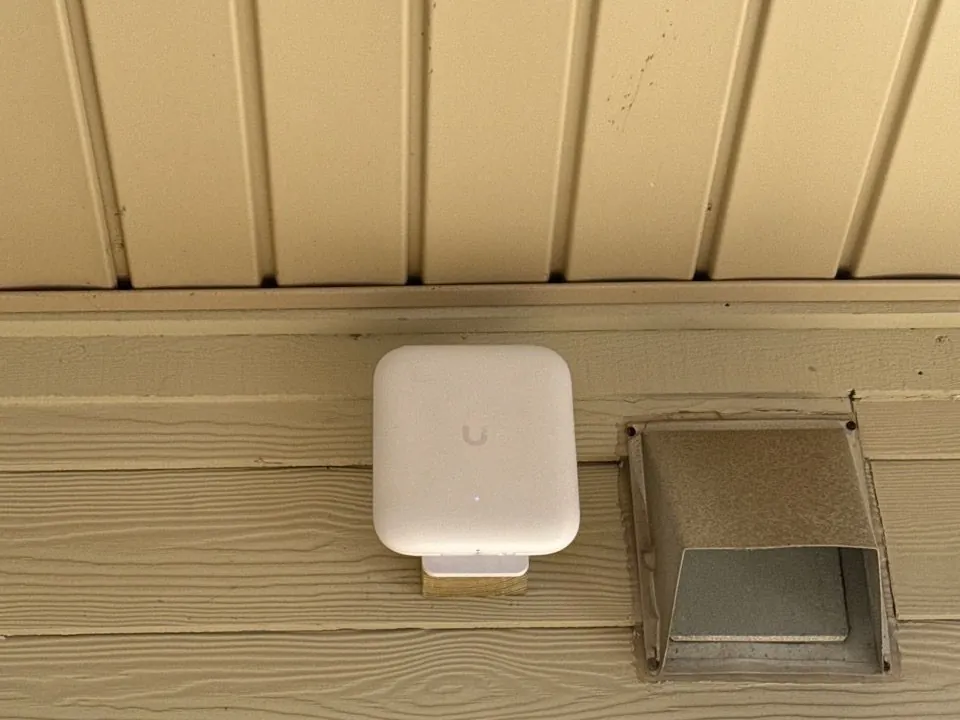 Outdoor Wi-FiOutdoor-rated access point mounted under the eave
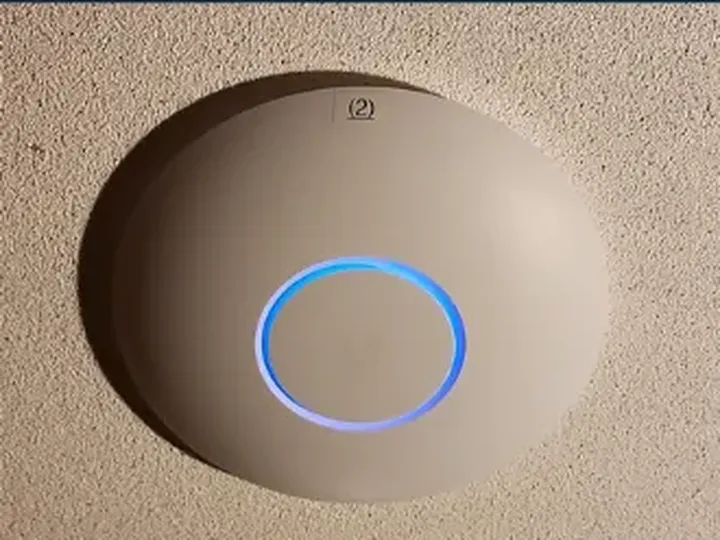
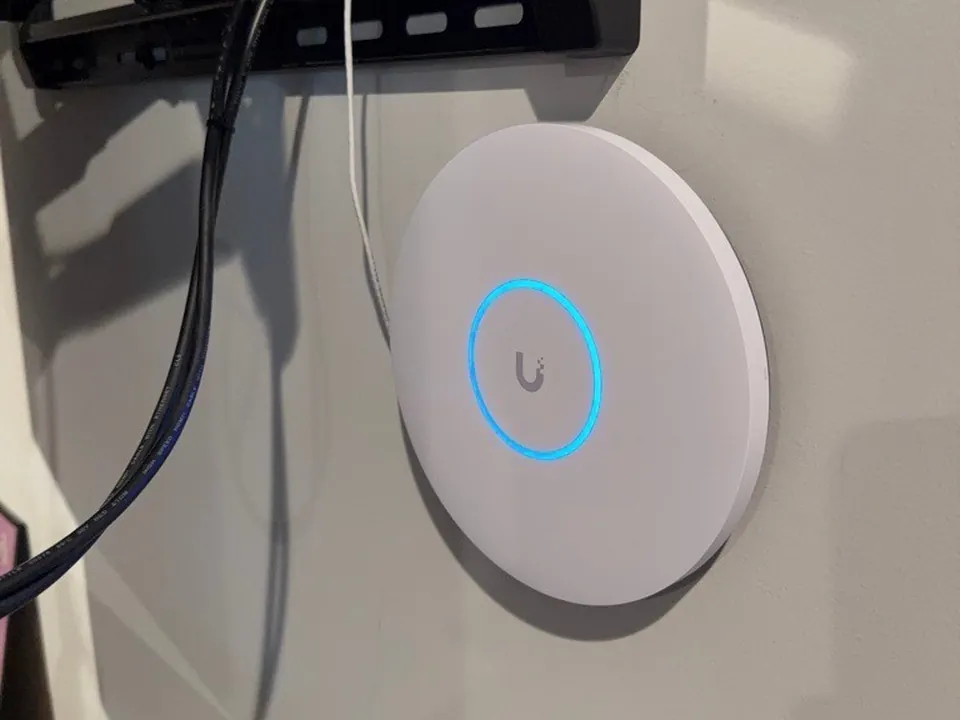 UniFi access pointCeiling-mounted, with its status ring lit
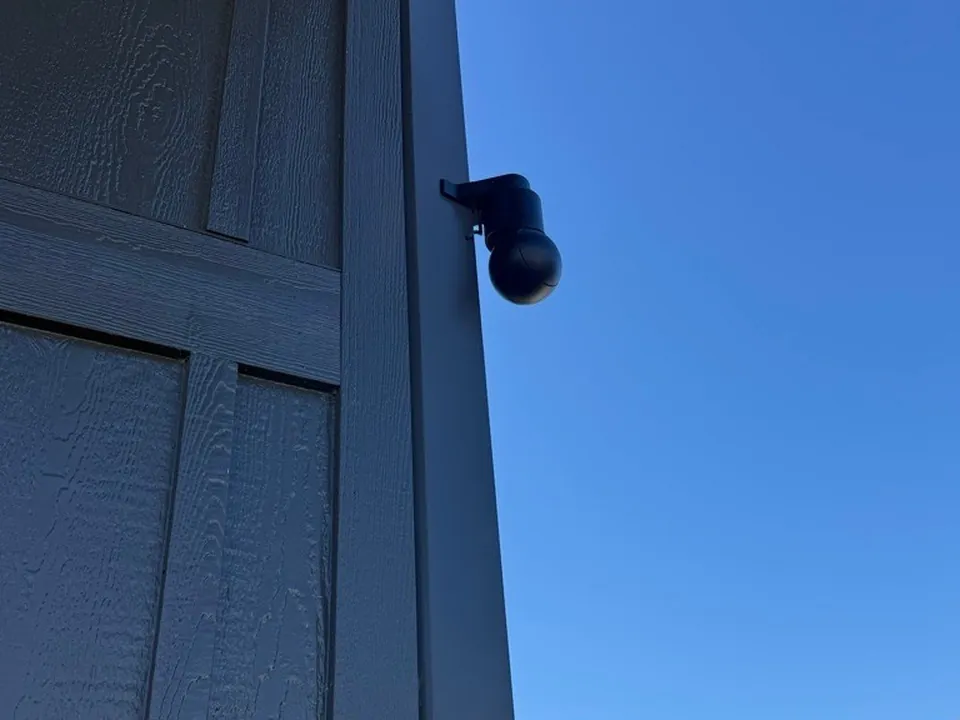 Corner-mounted cameraCamera mounted right at the building corner
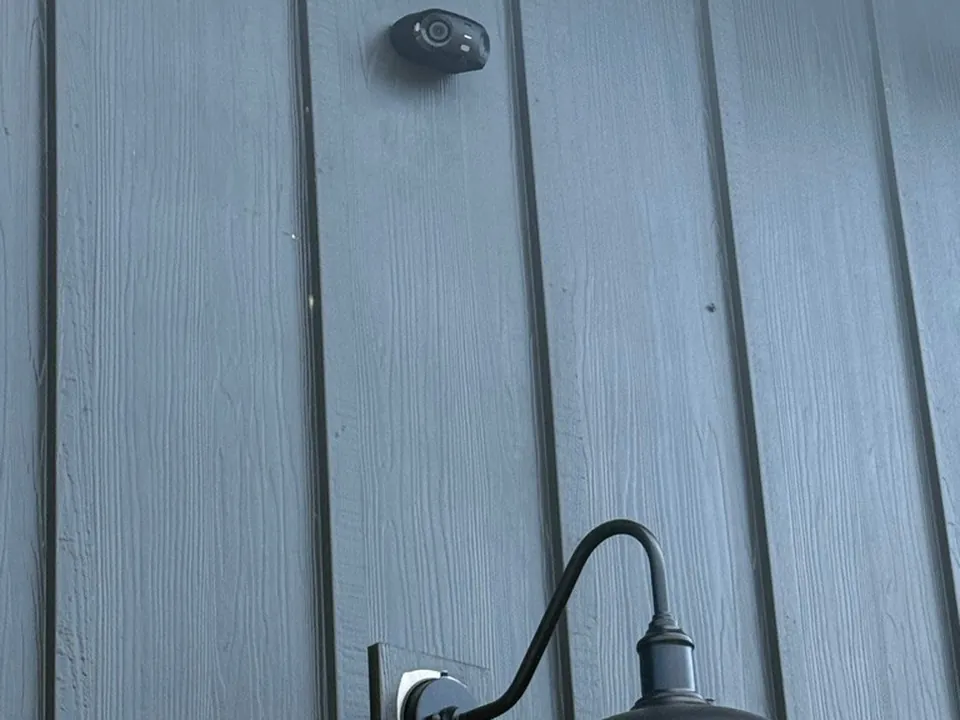 180-degree cameraWide-angle camera mounted above the exterior light
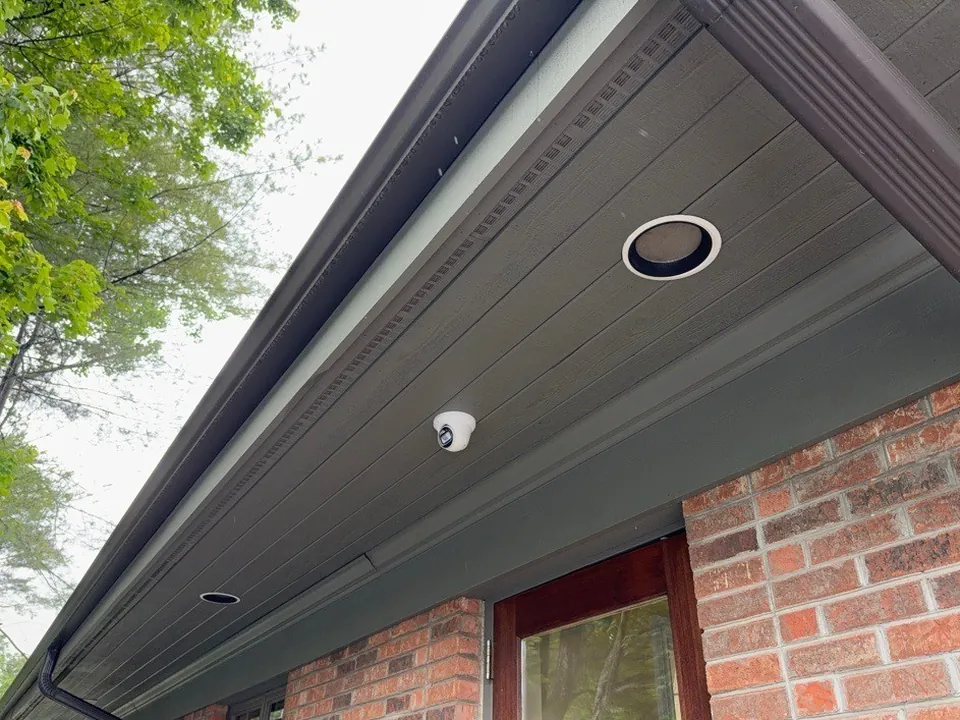 Dental office exteriorDome camera mounted under the eave of a brick office
How a network project works
- Walkthrough. We look at the building, the internet line, what's already installed and how your team actually uses the space.
- Design and quote. You get a plain-English plan: where each access point, switch and camera goes, what cabling is needed, and a fixed project price.
- Install. We run and label the cable, mount and configure the equipment, and schedule the cutover so your business isn't down during working hours.
- Manage. Once it's live, every device reports to our dashboard. We get alerted when something drops, keep firmware current, and keep a copy of the configuration so a failed device can be replaced quickly.
Common problems we fix
- Dead zones, slow Wi-Fi, or drop-offs during busy hours
- "The internet is fine, but the POS or practice software is crawling"
- Guest Wi-Fi slowing down staff
- Consumer routers chained together and cabling nobody can trace
- Open or shared Wi-Fi passwords and no separation between devices
- Outages because one cheap device failed
Built for your industry
- Dental and medical: separate networks for patient data, imaging and guests, with documentation for HIPAA.
- Retail and restaurants: steady POS connections and guest Wi-Fi that doesn't slow checkout.
- Construction and warehouses: long-range coverage, rugged access points, cameras for yards and lots.
- Hospitality and venues: guest Wi-Fi across large buildings and outdoor spaces.
- Offices and nonprofits: simple, secure networks that grow with the team.
Frequently asked questions
How long does a typical network install take?
Most single-site installs are done in days, not weeks, once the design is approved. Cabling-heavy jobs depend on the building.
Can you work with our existing equipment?
We'll look at what you have and keep what makes sense. Usually we recommend business-grade UniFi gear as old hardware or subscriptions run out, and we plan the upgrade in phases so you don't pay twice.
Do you install security cameras?
Yes. We install UniFi Protect cameras and recorders with no per-camera monthly fees, and we can run the cabling for them at the same time as the network.
Can you connect a second building without digging a trench?
Often, yes. A point-to-point wireless link can connect buildings across a property, including multi-acre sites.
Do you support multiple locations?
Yes. We connect sites with VPN and manage them all from one dashboard.