Ask most owners what happens if their internet goes out for an afternoon, and the first answer is usually some version of "we would manage." Then they start counting.
The phones are VoIP now, so those are gone. Card payments run through a terminal that needs a connection. The scheduling system is a website. Email is in the cloud, and the file everyone needs is in OneDrive or SharePoint. The security cameras stop recording offsite, and the door controller loses its management link. What started as an inconvenience turns out to be most of the business.
Nobody set it up that way on purpose. Over about a decade of moving to cloud services, one sensible decision at a time, a single internet connection quietly became the thing everything depends on.
Make the list before you need it
The most useful thing you can do this week costs nothing. Walk your office and write down every system that stops working without internet. For most small businesses in Asheville, Arden, Fletcher and Hendersonville, the list is longer than expected: phones and voicemail, card processing, practice or job management software, email, shared files, remote access for anyone working from home, cloud backups (which quietly stop running), time clocks, camera systems and door access, and anything with the word "portal" in it.
Then put a rough dollar figure on an afternoon without all of that. That number is the whole business case, and it's usually the moment the conversation stops being theoretical.
Why one connection is a single point of failure
In Western North Carolina the risk runs a little higher. Mountain weather, trees on lines and rural stretches where one carrier is the only wired option mean outages aren't rare. Plenty of local businesses found out how dependent they were during a storm week, which is a hard way to learn it.
Weather aside, carriers have maintenance windows, equipment fails, and sooner or later someone with a backhoe finds a fiber line. Your provider isn't doing anything wrong. A single connection is just one path.
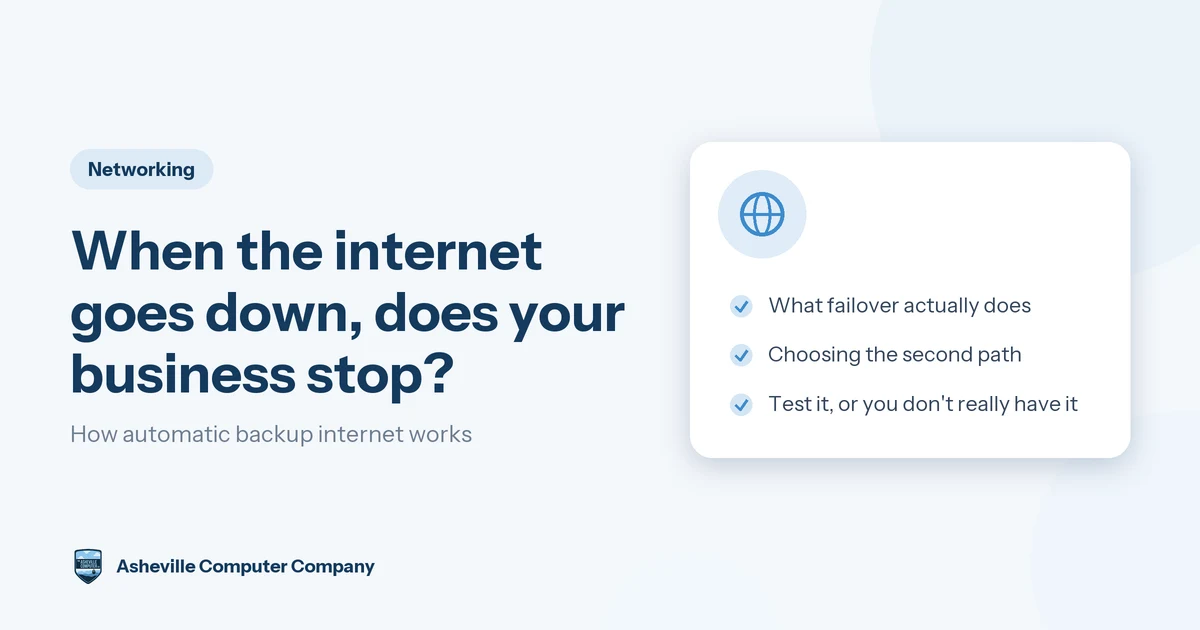
What failover actually does
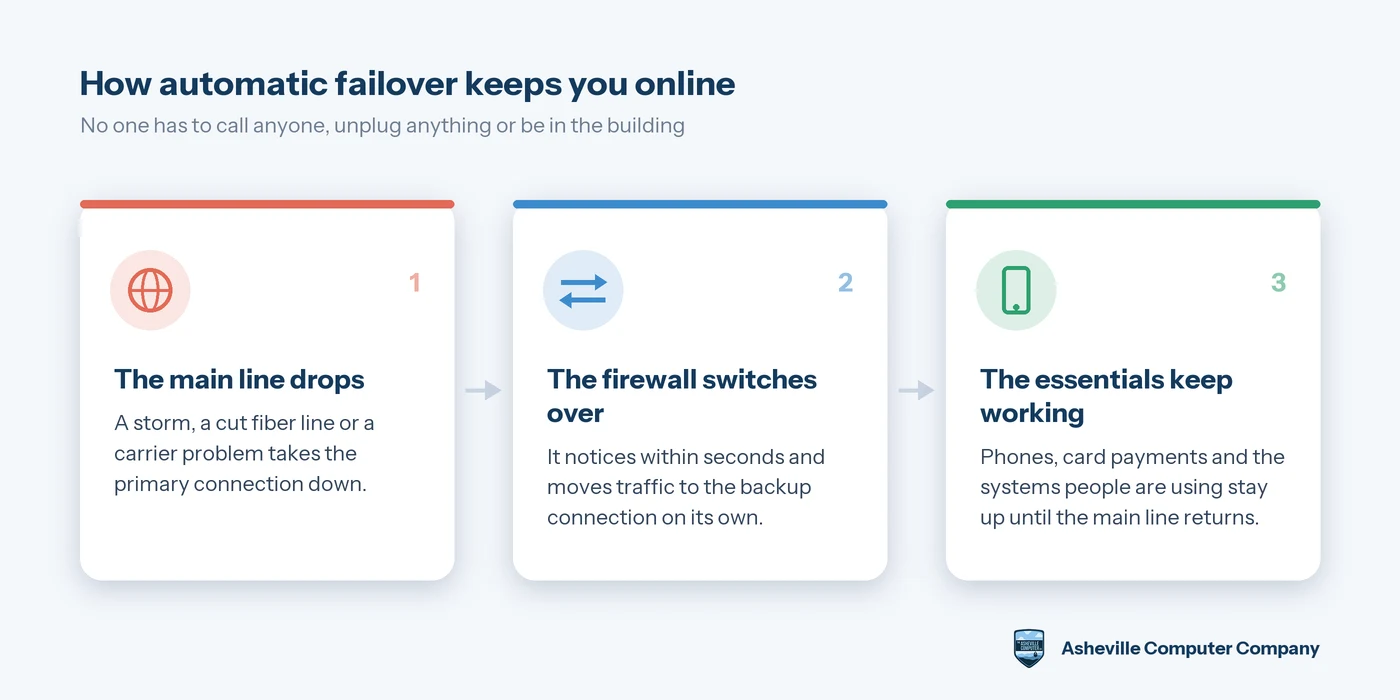
Failover means having a second way out to the internet, plus a business firewall smart enough to notice when the first one dies and switch over on its own. Automatic is the important part. Nobody has to call anyone, unplug anything or even be in the building. The firewall checks the primary connection constantly, and when it stops responding, traffic moves to the backup in seconds. When the primary comes back, traffic moves back.
Done well, your team sees a video call hiccup once and keep going. Most staff never find out there was an outage.
This is one of the clearer differences between consumer gear and business gear. A typical off-the-shelf router has one internet port and no concept of a second path. A proper business firewall handles two connections, health checks and priority rules, and that's a big part of what you're paying for when you invest in a real network instead of a box from a big-box store.
Choosing the second path
The rule that matters more than any brand name: your backup connection shouldn't share infrastructure with your primary. Two services on the same pole, from the same provider, over the same physical line, will fail together, and then all you've bought is a second bill.
In this region the realistic options are:
A second wired carrier on different infrastructure. Fiber primary with cable backup, or the reverse. This gives the best performance and works well when your address really has two carriers, which is more common in Asheville proper than out in the county.
Cellular or 5G backup. Inexpensive, quick to set up, and completely independent of anything buried near your building. Speeds are lower than fiber, which matters less than people expect (more on that below).
Starlink. It has changed the math for rural WNC businesses that never had a second option. In the places where wired competition never arrived, satellite is now a real answer rather than a compromise.
Which combination fits depends on your address, and figuring that out is usually a short conversation.
Size it for essentials, not for everything
This is what keeps the cost reasonable. The backup connection doesn't need to carry a normal working day. It needs to keep the essentials running: phones, payments and the systems people are actively using. Big file syncs and cloud backups can wait a few hours.
A good firewall can enforce that, giving priority to the traffic that matters while the backup carries the load. So the standby line can be small and cheap. It's insurance, and for most small businesses a year of failover costs less than one lost afternoon.
What failover doesn't fix
Redundancy is easy to oversell, so here are the limits.
Failover won't help in a power outage unless your network equipment is on a UPS, which is a cheap and worthwhile addition. It won't help when the problem is at the far end, like your cloud provider having a bad day. And it won't fix problems inside your building, such as an aging switch or wiring someone ran in a hurry years ago. Those are separate conversations, and a provider who recommends failover without looking at the rest of your network is selling you a part.
Test it, or you don't really have it
Backups taught the same lesson: a failover setup that has never been tested is a theory.
The test is simple. During a quiet hour, unplug the primary connection and watch. How long until traffic moves? Do the phones survive the switch? Does anything important break? Then plug it back in and make sure it switches back cleanly. Fifteen minutes on a slow Tuesday tells you how the real outage will go, and now and then it turns up something worth fixing.
Final thoughts
Internet redundancy used to be an enterprise expense. The equipment is affordable now, cellular and satellite have solved the "there's no second option here" problem, and more of your business runs through that one connection every year.
Your internet will go out at some point. With failover in place, that day costs you a shrug instead of an afternoon.
If you'd like to know what failover would look like at your address, we're glad to look at what's actually available there, what it would cost, and whether your current firewall can handle it. Asheville Computer Company designs and manages business networks across Asheville, Arden, Fletcher, Hendersonville and Western North Carolina.